mirror of
https://github.com/Stone-Red-Code/DesktopMagic.git
synced 2026-09-04 08:56:15 +02:00

22 lines
1.0 KiB
Markdown
22 lines
1.0 KiB
Markdown
# DesktopMagic
|
|
|
|
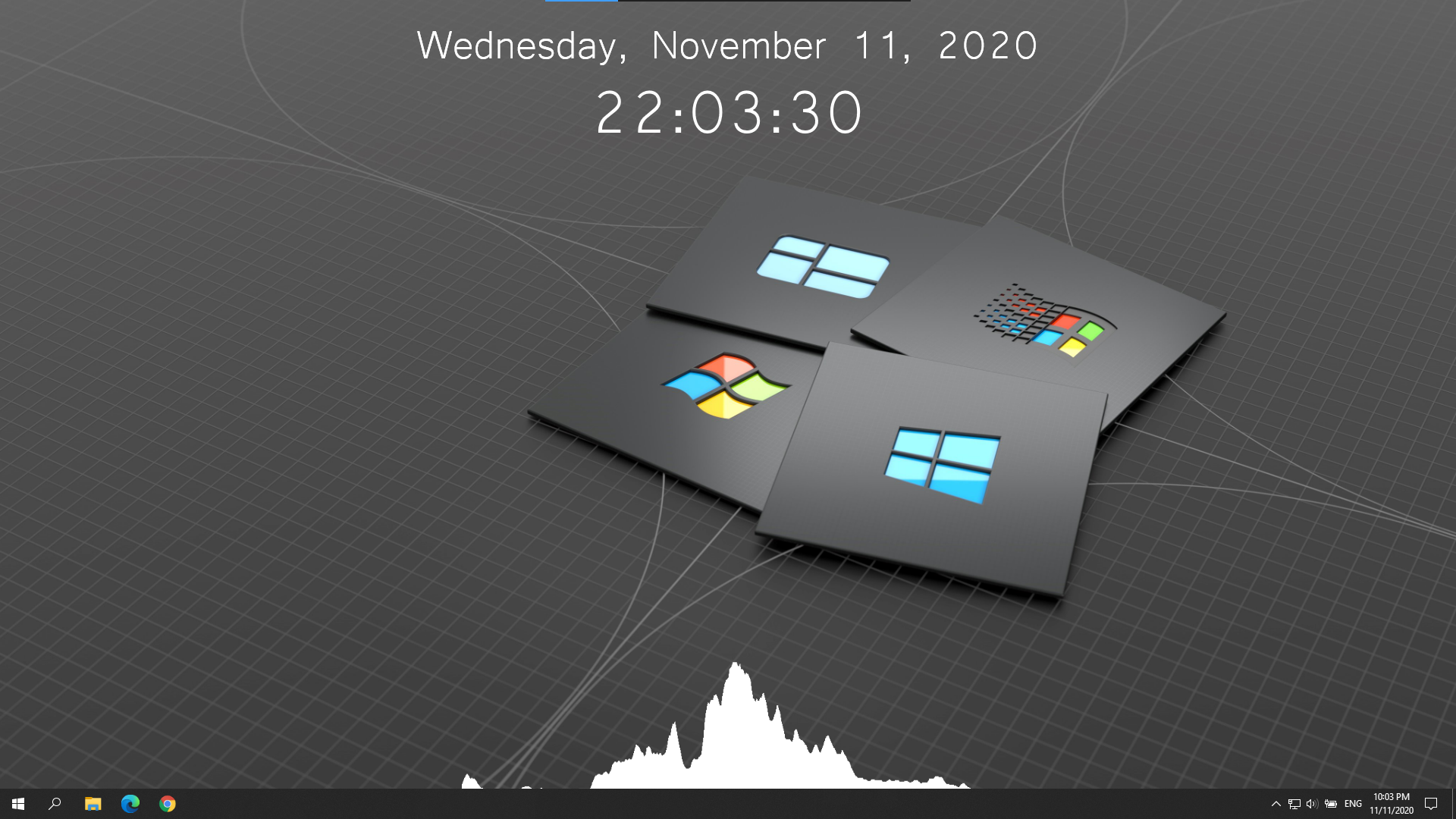
> DesktopMagic allows you to improve the looks of your Windows desktop!\
|
|
> You can add useful elements to your desktop like a clock, a audio visualizer or even your own plugins!
|
|
|
|
- [Releases](https://github.com/Stone-Red-Code/DesktopMagic/releases)
|
|
- [Download Plugins](https://github.com/Stone-Red-Code/DesktopMagic-Plugins)
|
|
- [Plugin Documentation](https://github.com/Stone-Red-Code/DesktopMagic/wiki)
|
|
- [Licence](https://github.com/Stone-Red-Code/DesktopMagic/blob/main/LICENSE)
|
|
|
|
## Usage
|
|
|
|
1. Download one of the [releases](https://github.com/Stone-Red-Code/DesktopMagic/releases).
|
|
1. Follow one of the steps below.
|
|
1. Execute the `DesktopMagic-Installer.exe` file.
|
|
1. Unzip the `DesktopMagic-Standalone.zip` file and execute the `DesktopMagic.exe` file.
|
|
1. (Optional) Put a shortcut to the `DesktopMagic.exe` file in the install directory into the `shell:startup` directory.
|
|
|
|
## Preview
|
|
|
|
|